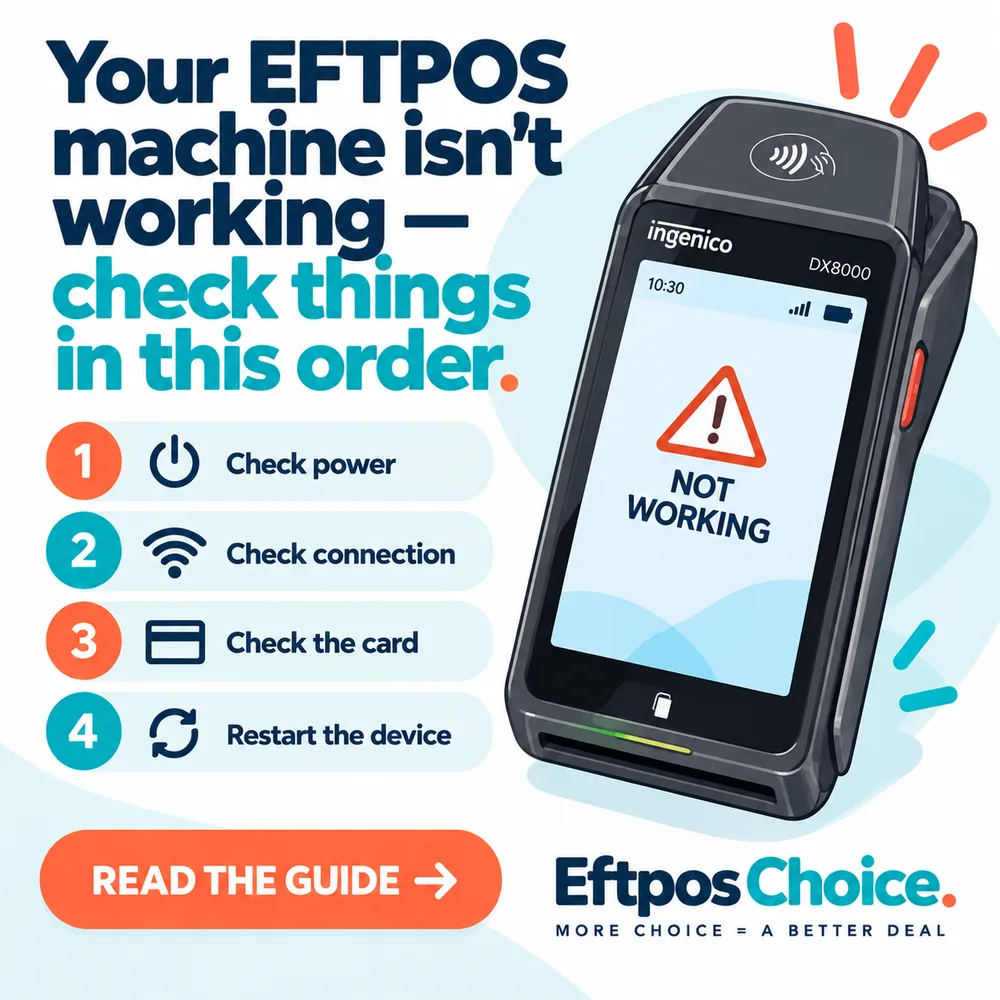
Your EFTPOS machine isn't working — check things in this order
Nine times out of ten it's the connection, not the terminal. The order to check things in, and what each error code really means.
Nine times out of ten it is the connection, not the machine. Before you ring anyone, check whether the terminal can actually reach the outside world — because that one check sorts out most of what gets reported as a broken terminal, and it takes about fifteen seconds.
Here’s the order I’d work through it in, fastest and most likely first.
1. Can the terminal see a network?
Look at the top of the screen. You want bars, or a Wi-Fi icon, or a green light on the base. If the mobile signal is on one bar or flicking in and out, that’s your problem and the terminal is fine.
Three quick things:
- On 4G, walk ten metres toward the front of the shop. Pubs and basements and anywhere with a cool room are signal killers. If it works at the door and not at the till, it’s coverage, not hardware.
- On Wi-Fi, check whether anything else in the shop is online. If the whole shop is out, you’ve got an internet problem, not a payments problem.
- On a docked or corded terminal, unplug the ethernet cable at both ends and plug it back in. Then do the same with the power. I know. Do it anyway — it fixes more terminals than any other single action.
If the terminal can’t get a network at all, most machines will still let you key in a phone-order transaction, and some let you take offline transactions up to a floor limit. Both have a catch, and I’ll come back to it.
2. Restart it properly
Not the screen timeout. A real power cycle: hold the power button until it shuts down, wait ten seconds, turn it on, and let it finish its start-up. It will usually do a logon to the acquirer on the way back up, and that logon is often the thing that was broken.
If it hangs on start-up or reboots in a loop, stop here. That’s a hardware or firmware fault and you need it swapped.
3. Read the error properly, because they mean different things
This is where most people go wrong. “Declined” is not one thing, and who you should call depends entirely on which decline you got.
Insufficient funds / Do not honour / Declined — the card issuer said no. Your terminal worked perfectly. It sent the request, it got an answer, and the answer was no. There is nothing to fix on your end. Ask for another card.
Card not supported / Invalid card — the card is a scheme or product you aren’t set up to accept. Amex and Diners are the usual suspects, and so are some prepaid and international cards. That’s a facility setting, so it’s a phone call to your provider, not a terminal fault.
No connection / Communication error / Host unreachable — this is a genuine connectivity failure. Back to step one.
Terminal not logged on / Logon required — it’s lost its session with the acquirer. Restart, or run the logon function from the terminal’s menu.
Exceeds limit / Refer to card issuer — often the transaction is above a limit set on your facility, not the customer’s card. If it’s a big-ticket sale and it keeps failing at the same figure, that’s your processing limit and your provider can lift it.
The distinction that matters: a decline means the system worked. A communication error means it didn’t. Don’t spend an hour on hold about a decline.
4. Is it one card or every card?
If everything is failing, it’s the terminal or the connection.
If it’s one customer’s card and everyone else goes through, it’s their card, and no amount of fiddling at your end changes it. Try inserting instead of tapping — a chip read has more to work with than a contactless one, and a worn or slightly damaged card will often still insert fine. If the chip fails too, swipe as a last resort.
And the thing you should never do: don’t hand-key a card number out of a customer’s wallet to get around a decline. If it was declined by the issuer, keying it doesn’t change the answer, and if it does go through you’ve just moved the whole liability for that transaction onto yourself. A card-not-present transaction has no chargeback protection worth the name. You’d be doing the worst-priced, highest-risk version of a sale that was already refused.
5. Paper, printing and the small annoying stuff
Prints blank? The roll’s in the wrong way round — thermal paper only prints on one side. Flip it.
Screen unresponsive at one spot? A cracked digitiser, and it needs replacing.
Won’t hold charge for a shift? A battery at the end of its life. On a PAX A920 Pro or similar, that’s a consumable, not a fault, and it’s replaceable.
Card reader not reading anything at all? Blow the slot out with compressed air first. Ten years of receipt dust does add up.
6. When to ring, and what to have ready
Ring when you’ve got a hardware fault, a facility setting problem, or a connection failure you can’t resolve at the wall.
Have the terminal ID or merchant ID ready — it’s on the receipt. Have the exact error text, the time it happened, and the last four digits of the card. That’s what support will ask for, and having it in front of you is the difference between a five-minute call and a thirty-minute one.
And ask the question people don’t ask: what’s my downtime SLA and do I get a swap unit? Some providers courier a replacement next business day. Some have you posting it back and waiting. If you’re a café doing most of your week’s takings across a Saturday, that difference is the whole deal, and it should have been part of choosing the provider — not something you find out on the Saturday.
The bit worth planning before it happens
Have a backup way to take money. Tap to Pay on a phone is the cheap version of this — no extra hardware, and it runs on a different connection to your fixed terminal, which is exactly what you want when the reason for the outage is your shop’s internet.
Know your floor limit and whether offline transactions are enabled, because offline means you accept the transaction without an authorisation and you carry the risk if it turns out to be no good. Fine for a $6 coffee. Not fine for a $2,000 job.
And if this is the third time this month, the problem isn’t the reboot instructions — it’s the fit between your site and the terminal you were sold. A portable terminal on 4G in a spot with one bar of coverage was never going to work, and no amount of restarting fixes geography. Have a look at the terminal types and match the connection to the building, or tell us where it keeps dropping out and we’ll tell you what to put there instead.